Table of Contents
Introduction
Java basics are where every programmer begins. When I started learning Java, I didn’t know where to begin — there were so many new terms: classes, variables, methods. But once I understood the basics, everything started to make sense.
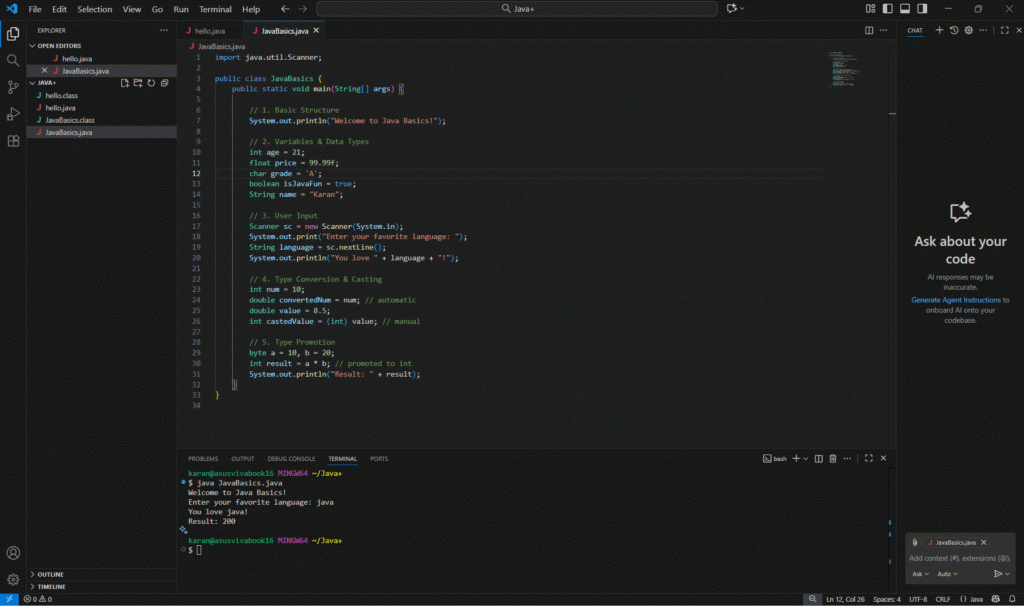
This blog is a short, beginner-friendly guide of what I learned first: variables, data types, taking input, type conversion, and type casting. These are the small steps that helped me write my first working Java program — the same one you might see in my feature image.
So, let’s break it down together, one simple point at a time.
Java Basic Structure
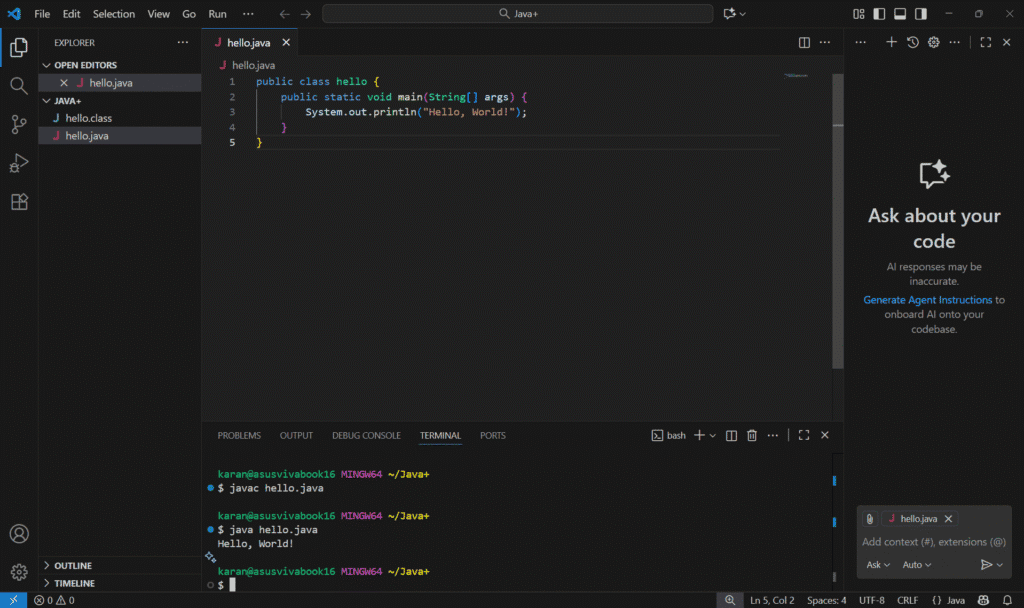
Every Java program starts with a class and the main() method.
Execution begins from the main() method.
java

System.out.println("Welcome to Java Basics!");
This line prints a message on the screen — it’s how Java displays output.
Variables and Data Types
Variables are containers that store data.
Each variable has a specific data type that defines the kind of value it can hold.
java

int age = 21;
float price = 99.99f;
char grade = 'A';
boolean javaTest = true;
String name = "Karan";- int → whole numbers
- float → decimal numbers
- char → single character
- boolean → true or false
- String → text values
These are called primitive and reference types in Java.
Input in Java
Java takes input using the Scanner class.
You must import it from the java.util package before use.
java

Scanner sc = new Scanner(System.in);
System.out.print("Enter your favorite language: ");
String language = sc.nextLine();
System.out.println("You love " + language + "!");
Scanner sccreates an input object.nextLine()reads a line of text from the user.System.out.print()shows a message without a new line.
Type Conversion and Type Casting
Java automatically converts smaller data types to larger ones — this is called type conversion.
When you convert manually, it’s called type casting.
java

int num = 10;
double convertedNum = num; // automatic
double value = 8.5;
int castedValue = (int) value; // manual- Automatic (widening):
int → double - Manual (narrowing):
double → int
In manual casting, decimals are dropped.
Type Promotion in Expressions
During calculations, smaller types like byte or short automatically get promoted to int.
java

byte a = 10, b = 20;
int result = a * b; // promoted to int
System.out.println("Result: " + result);
This ensures Java performs accurate arithmetic operations without data loss.
Conclusion
Java Basics were the first thing that made coding real for me. I still remember creating my first file — JavaBasics.java — and running a simple program just to see how it worked.
That small start taught me how variables, data types, and user input actually build the logic behind every Java program. Once I understood that, Java stopped feeling confusing and started feeling powerful.
These Java Basics became the roots of everything I’ve learned since. They showed me how data moves, how logic forms, and how even a few lines of code can do something meaningful.
Now that I’ve mastered the Java Basics, the next step is learning about Java Operators — the tools that make code think, calculate, and make decisions on its own.
Pingback: Mastering Operators in Java for Beginners - Karan Powar