Table of Contents
Introduction
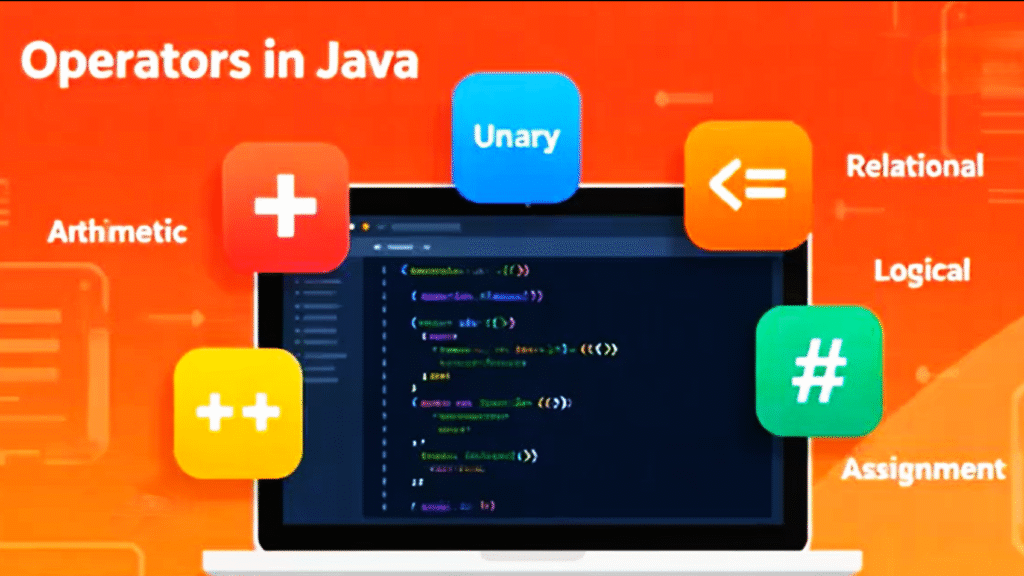
When I started learning Java, one of the first practical concepts I explored was operators in Java. These are special symbols that tell the computer what kind of operation to perform—like addition, comparison, or logic checking. In simple words, operators in Java are tools that help us handle values and variables efficiently. They make programming more expressive and readable.
In this blog, I’ll share how I understood different operators in Java step by step—starting from arithmetic and unary to relational, logical, and assignment operators.
Arithmetic Operators in Java
Arithmetic operators in Java are used to perform basic mathematical operations like addition, subtraction, multiplication, and division. These are the operators we often use in everyday calculations.
Here’s a simple table of all arithmetic operators in Java:
| Operator | Description                       | Example | Result |
| -------- | --------------------------------- | ------- | ------ |
| +        | Adds two numbers                  | 10 + 5  | 15     |
| -        | Subtracts right operand from left | 10 - 5  | 5      |
| *        | Multiplies two numbers            | 10 * 5  | 50     |
| /        | Divides left operand by right     | 10 / 5  | 2      |
| %        | Returns remainder of division     | 10 % 3  | 1      |
At the end of arithmetic, I also met the unary operators. These are a bit special—they only work with one operand. For example, ++ and -- increase or decrease a value by one. Let’s now talk about them properly.
Unary Operators in Java
Unary operators in Java perform operations on a single variable. The most common unary operators are the increment (++) and decrement (--) operators.
But what confused me at first was the difference between pre and post forms. Here’s how I understood it:
- Pre-increment (++a): The value changes first, then it is used in the expression.
- Post-increment (a++): The value is used first, then it changes.
Similarly,
- Pre-decrement (–a): The value decreases first, then it’s used.
- Post-decrement (a–): The value is used first, then it decreases.
This small difference matters a lot when you start writing Java loops or conditions.
Relational Operators in Java
Relational operators in Java help us compare two values. The result of this comparison is always a boolean value — either true or false.
Here’s a table showing the main relational operators in Java:
| Operator | Meaning                  | Example | Result |
| -------- | ------------------------ | ------- | ------ |
| ==       | Equal to                 | 5 == 5  | true   |
| !=       | Not equal to             | 5 != 3  | true   |
| >        | Greater than             | 10 > 5  | true   |
| <        | Less than                | 3 < 5   | true   |
| >=       | Greater than or equal to | 5 >= 5  | true   |
| <=       | Less than or equal to    | 4 <= 5  | true   |
These operators are mostly used in conditional statements like if, while, and for, where comparison guides the program’s flow.
Logical Operators in Java
Logical operators in Java are used when we want to combine multiple conditions or invert a boolean result. They are mostly used in decision-making or looping conditions.
The main logical operators in Java are:
Logical AND (&&)
Both conditions must be true for the result to be true; otherwise, it’s false.
Memorable line: both are true, then it is true—otherwise false.
Example:
java

if (a > 5 && b > 5)
Logical OR (||)
If even one condition is true, the result becomes true; otherwise false.
Memorable line: if one is true, then it is true—otherwise false.
Example:
java

if (a > 5 || b > 5)
Logical NOT (!)
t reverses the current boolean value.
Memorable line: opposite to current boolean value.
Example:
java

if (!(a > 5))
Assignment Operators in Java
Assignment operators in Java are used to assign values to variables. They make updating variable values simpler and shorter.
Here’s a table of commonly used assignment operators in Java:
| Operator | Description                  | Example | Equivalent To |
| -------- | ---------------------------- | ------- | ------------- |
| =        | Assigns value                | a = 10  | a = 10        |
| +=       | Adds right value and assigns | a += 5  | a = a + 5     |
| -=       | Subtracts and assigns        | a -= 2  | a = a - 2     |
| *=       | Multiplies and assigns       | a *= 3  | a = a * 3     |
| /=       | Divides and assigns          | a /= 2  | a = a / 2     |
| %=       | Modulus and assigns          | a %= 3  | a = a % 3     |
These operators are like shortcuts—they make code cleaner while performing mathematical updates.
Conclusion
Learning operators in Java gave me a real sense of control over how values behave in a program. Each operator type—arithmetic, unary, relational, logical, and assignment—taught me something about how Java processes information.
When you master these, you start thinking like the Java compiler itself—deciding how data moves, changes, and reacts to conditions. In my next post, I’ll move to control statements in Java, where these operators become even more powerful in action.
👉 Read Next: Data Types in Java